Forethos by Outdoor Connect, home Sign in

Get started

Your first hour with Forethos.

Six steps from an empty screen to a board report, shown in the Forethos screen itself. Move over a step to see it again.

  1. 1Engagement
  2. 2Evidence
  3. 3Counsel
  4. 4Question
  5. 5Answer
  6. 6Rounds
01

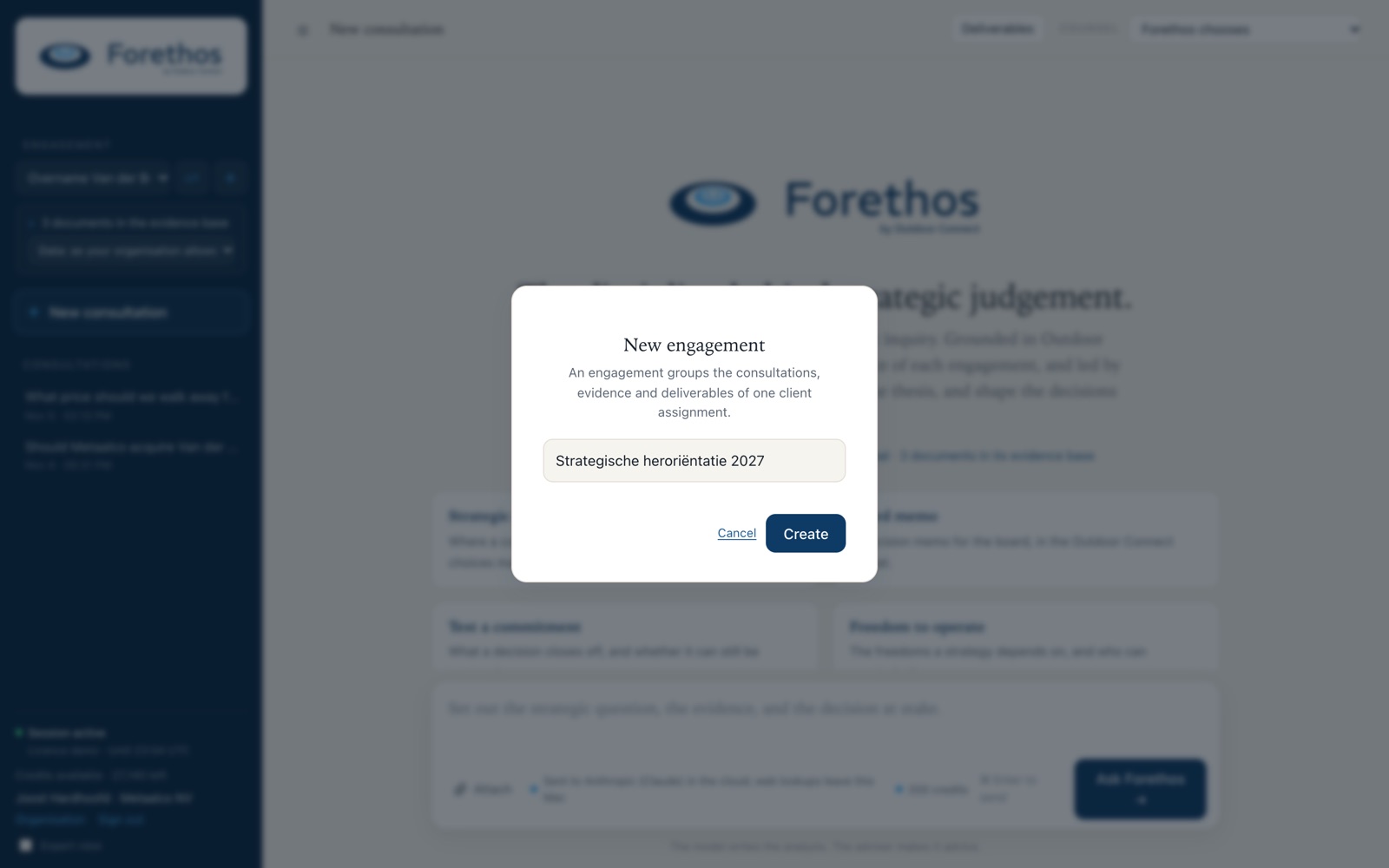
Create an engagement

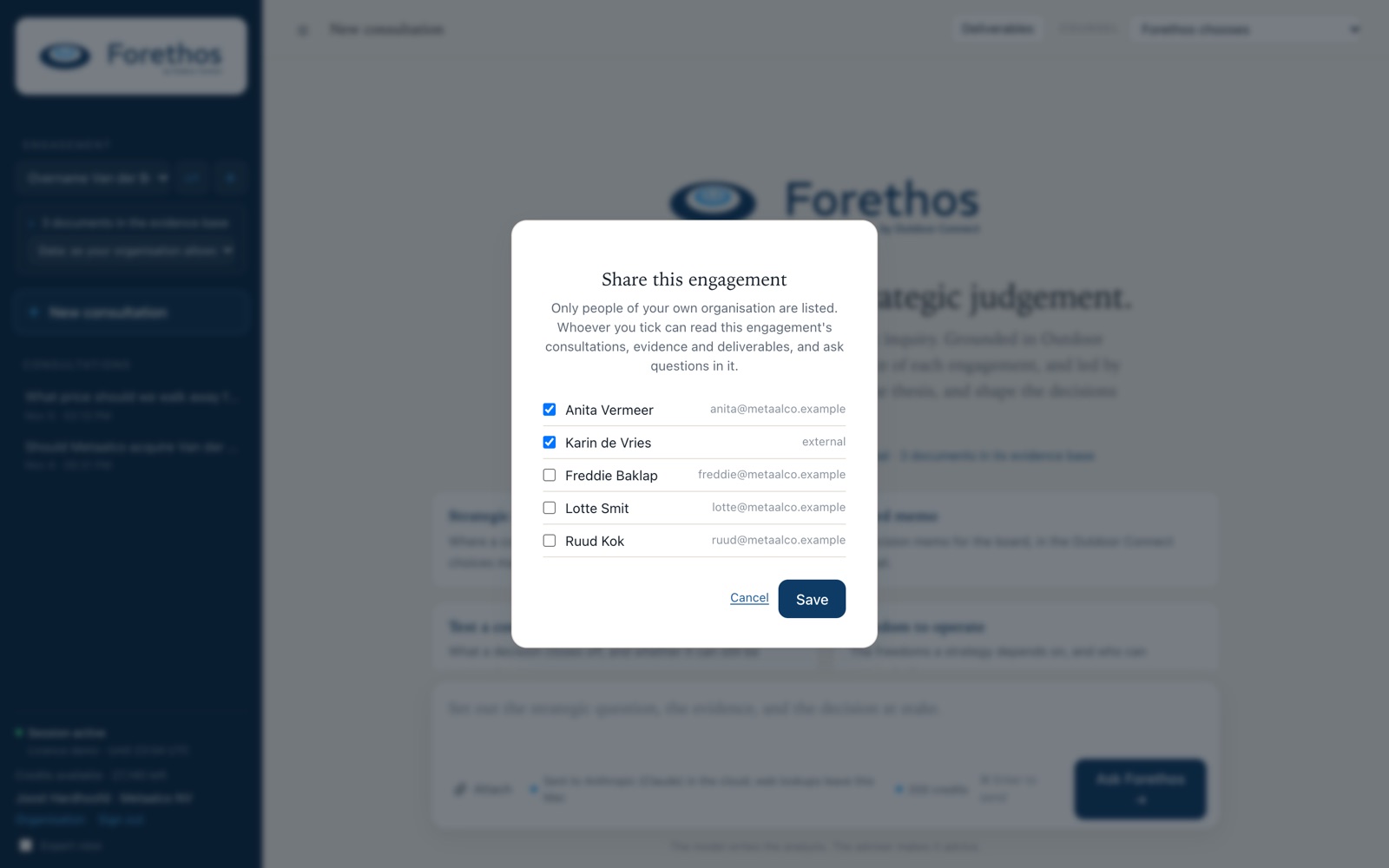
An engagement is a project, such as Annual Strategy Review 2027. It keeps all documents and conversations of one assignment together, and decides who sees them: only you and the colleagues you share it with.

Inside it you work in consultations: conversations like a chat, but deeper, grounded in the Outdoor Connect Canon and your documents.

Create the engagement first. A consultation cannot be moved into one later.
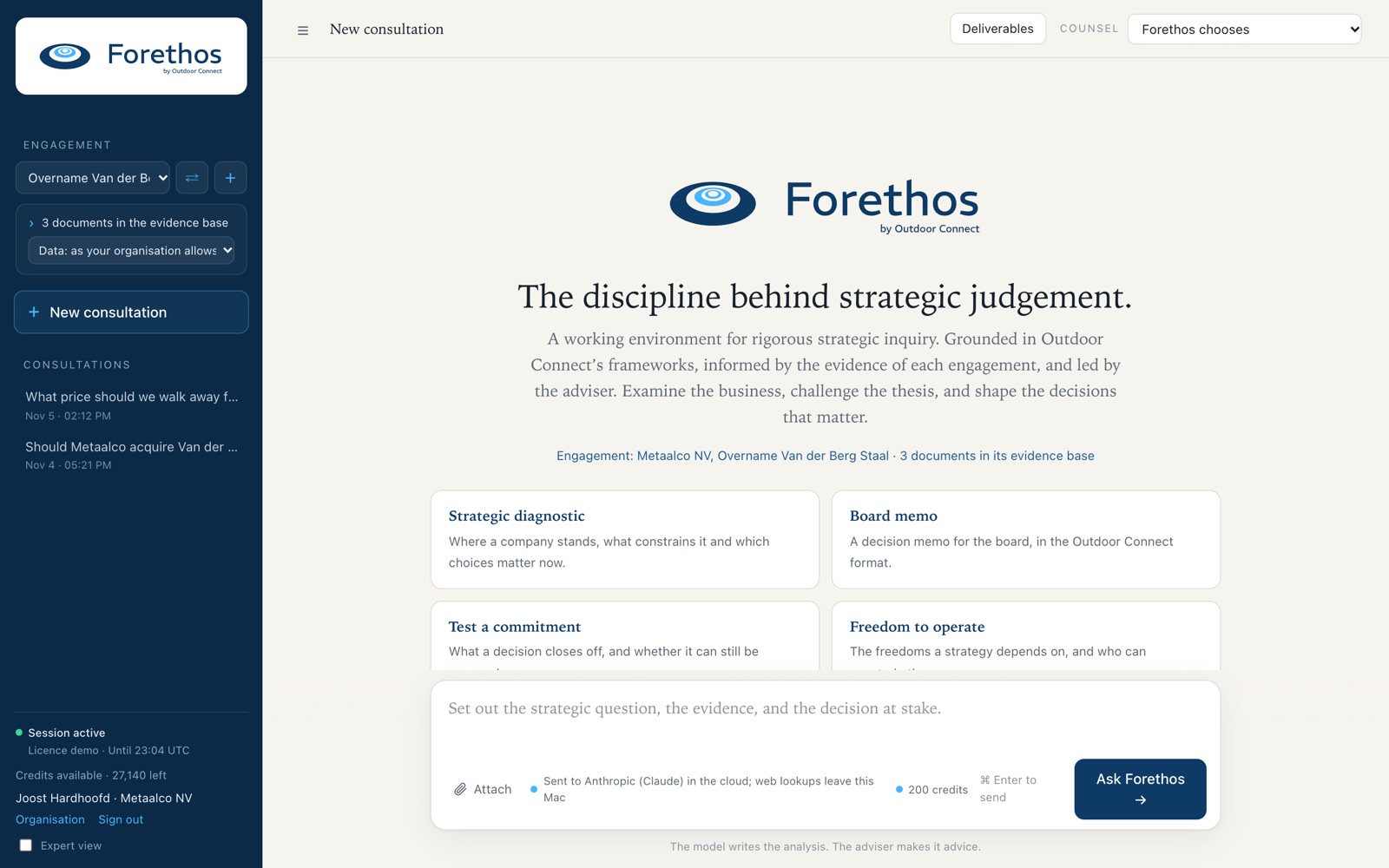
The Forethos screen: the engagement and its evidence in the sidebar, the welcome panel and the question box.
02

Add the evidence

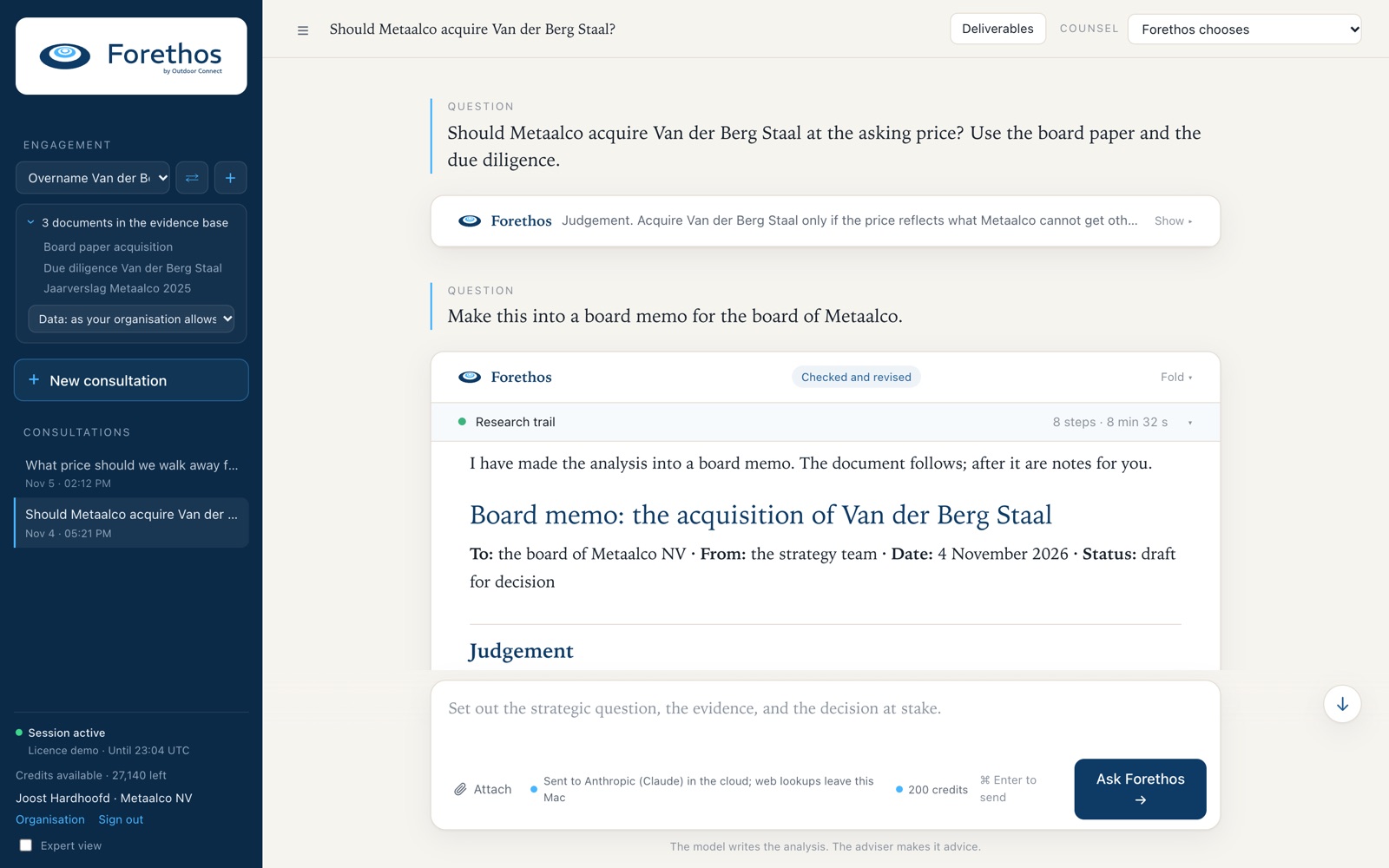
Attach the annual report, board papers, presentations and figures: PDF, Word, Excel or PowerPoint. Every question in the engagement can read them.

Scanned pages are read by text recognition; check their names and figures.

The Forethos screen: the engagement and its evidence in the sidebar, the welcome panel and the question box.
03

Choose the counsel

The counsel decides how Forethos works on your question. Choose it at the top right, before you ask. Start with Forethos chooses.

  • Forethos chooses Picks the right counsel for your question and tells you why.
  • Quick answer Follow-ups and small steps. Not for board documents.
  • Guided diagnostic Outdoor Connect’s diagnostic, step by step or in one go.
  • Strategic Imagining beta New strategic positions, after a diagnosis. Two turns.
  • Second opinion A model from another family reviews an answer.
  • Counsel with independent check Draft, independent check, revision. For final documents.
The Forethos screen: the engagement and its evidence in the sidebar, the welcome panel and the question box.
Forethos choosesQuick answerGuided diagnosticStrategic Imagining (beta)Second opinionCounsel with independent check
04

Ask the question

Name the company, the decision and what you want back. For example:

“Make an in-depth diagnosis of this company and turn it into a detailed report.”

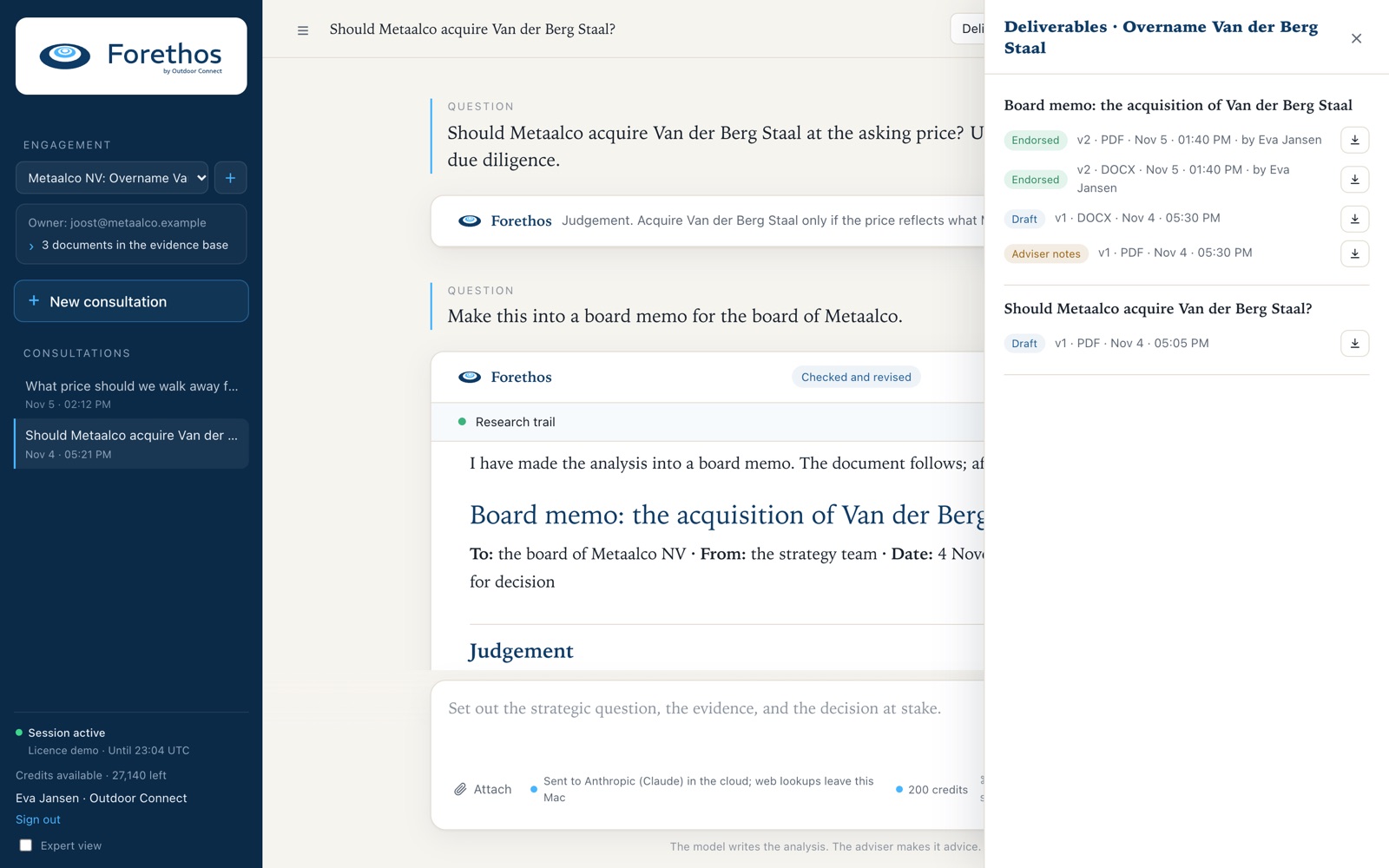
The Forethos screen: the engagement and its evidence in the sidebar, the welcome panel and the question box.
05

Read the answer and its trail

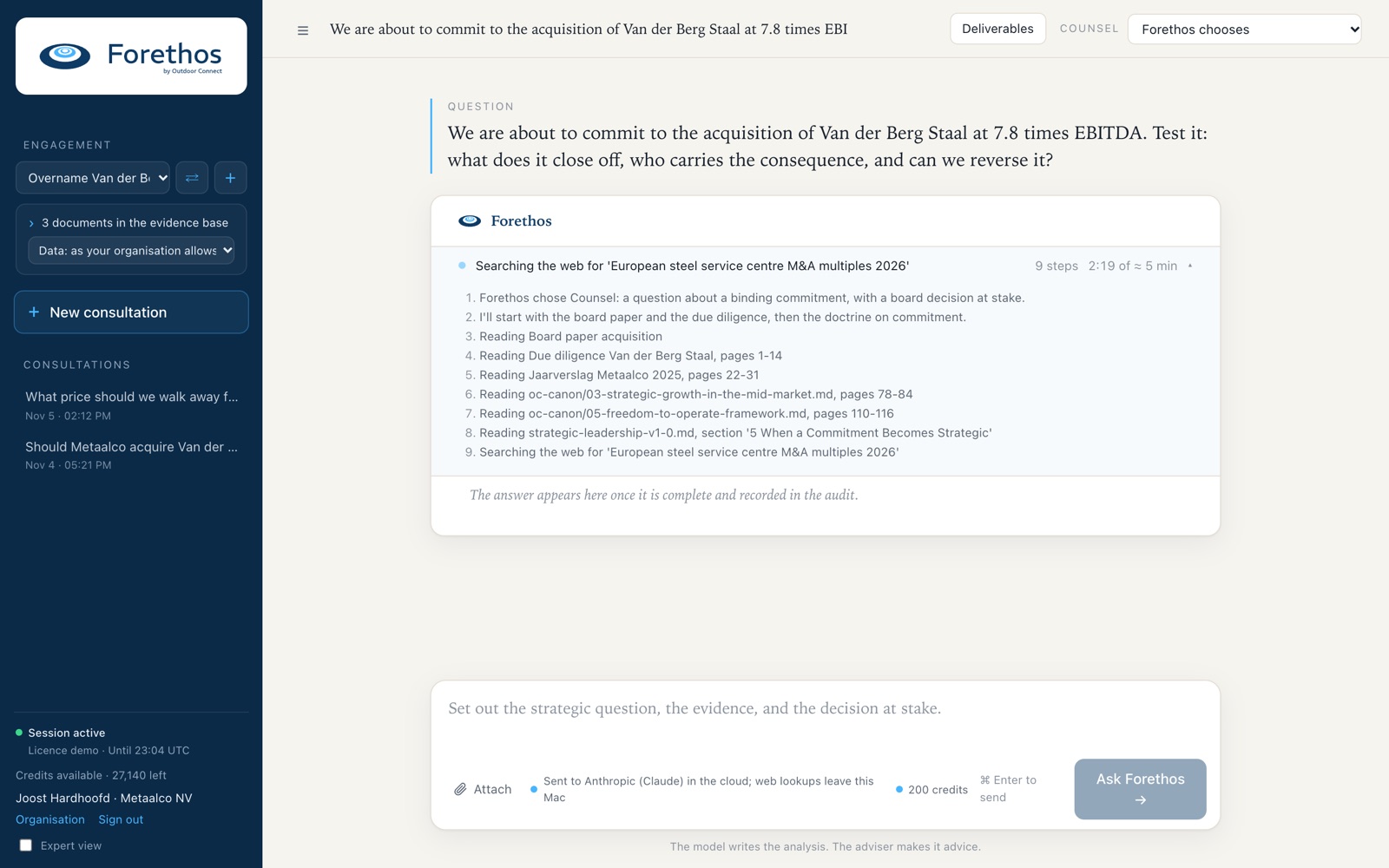
The research trail shows what Forethos read and searched. Reports and memos come as Word, PDF or PowerPoint files, and stay under Deliverables.

Treat every answer as a draft for your judgement.

An answer in progress: the research trail lists what Forethos reads and searches.

Step 06

Work in rounds

Serious strategy work takes more than one question. A suggested flow, in one consultation. Move over a round to see what to ask.

  1. 1Basic diagnosisForethos chooses
  2. 2Deepen itGuided diagnostic
  3. 3Open the fieldStrategic Imagining, first turn
  4. 4Develop your choiceStrategic Imagining, second turn
  5. 5Challenge itSecond opinion
  6. 6Final report and memoCounsel with independent check
CounselForethos chooses
Make an in-depth diagnosis of this company and turn it into a detailed report.
Ask Forethos →

Ready for the first question?

Details are in the user manual. You do not need it to begin.